Best Practices for Optimizing Images in Your Campaigns
 Rocío Cortázar · 12 Feb, 2026 · Diseño Gráfico · 5 min

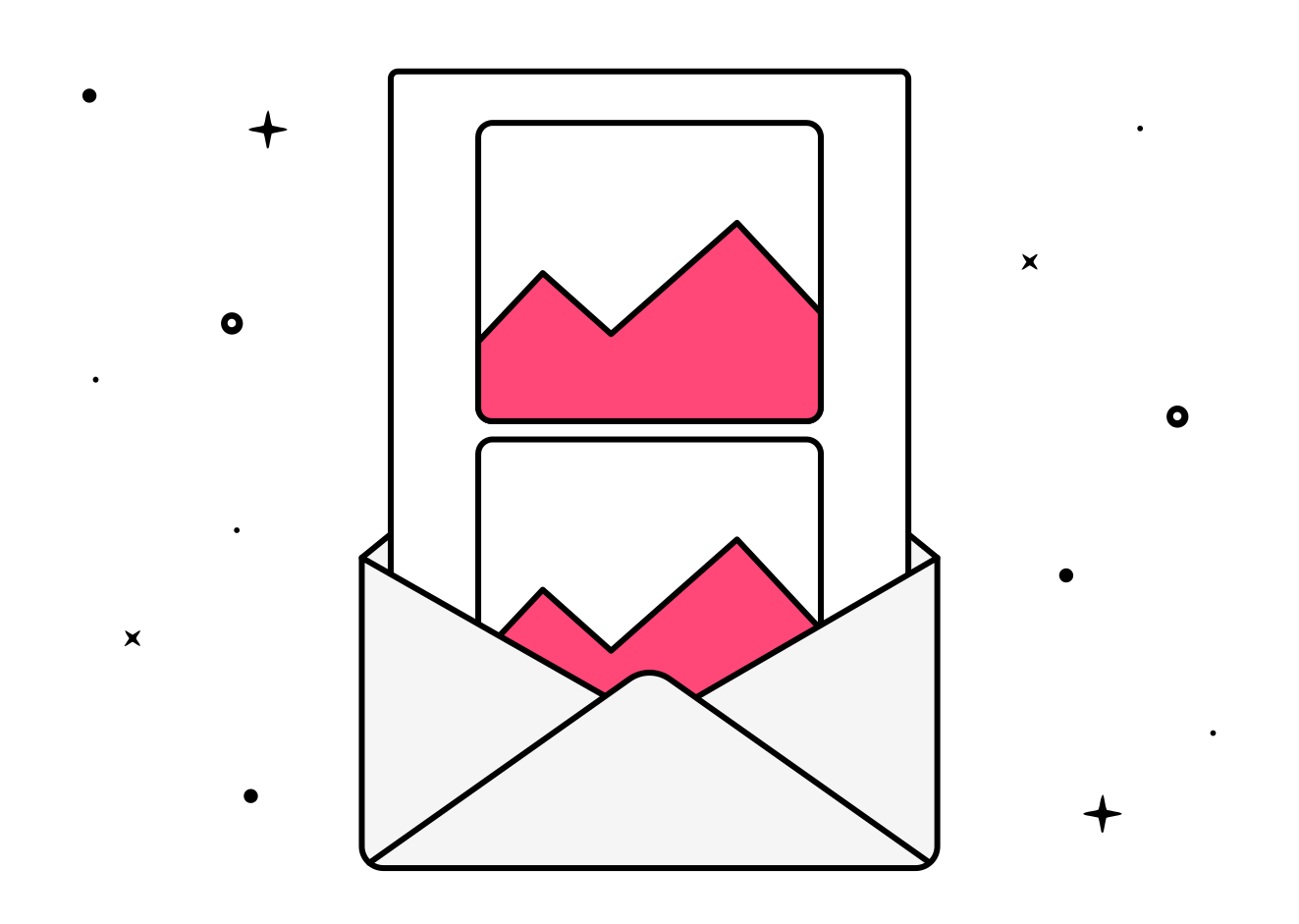
Newsletter design has an important creative and strategic factor, but it can also involve many technical issues that cannot be overlooked. One of these issues is how to properly optimize images in your email marketing campaigns so that they load quickly and display correctly.
Why is it important to optimize the images in your emails?
First of all, let’s talk about why you should optimize images for your newsletter campaigns. If your images are not optimized, your emails will appear unprofessional and you also risk having worse results.
Images that are too heavy may directly not download or significantly slow down the total loading time of the email. Remember, you don’t know where your recipients will be when they open your email: for example, they might be experiencing a poor connection on their way to work.
12 Tips for Using Images Correctly in Email Marketing
Now, let’s get to it! Here are some best practices for optimizing images in your campaigns and minimizing the risk of poor results.
1. Use High-Quality Images

This should go without saying, but it’s better to be cautious. If your images are not of good quality, and they are blurry or pixelated, it will make your email look unprofessional, sloppy, and it won’t attract your potential client. They might even stop opening your emails because they seem “shoddy.”
So make sure your images have a resolution of at least 72 dpi and are of an appropriate size so that the images are clear and sharp.
2. Choose the Best Image Size for Email
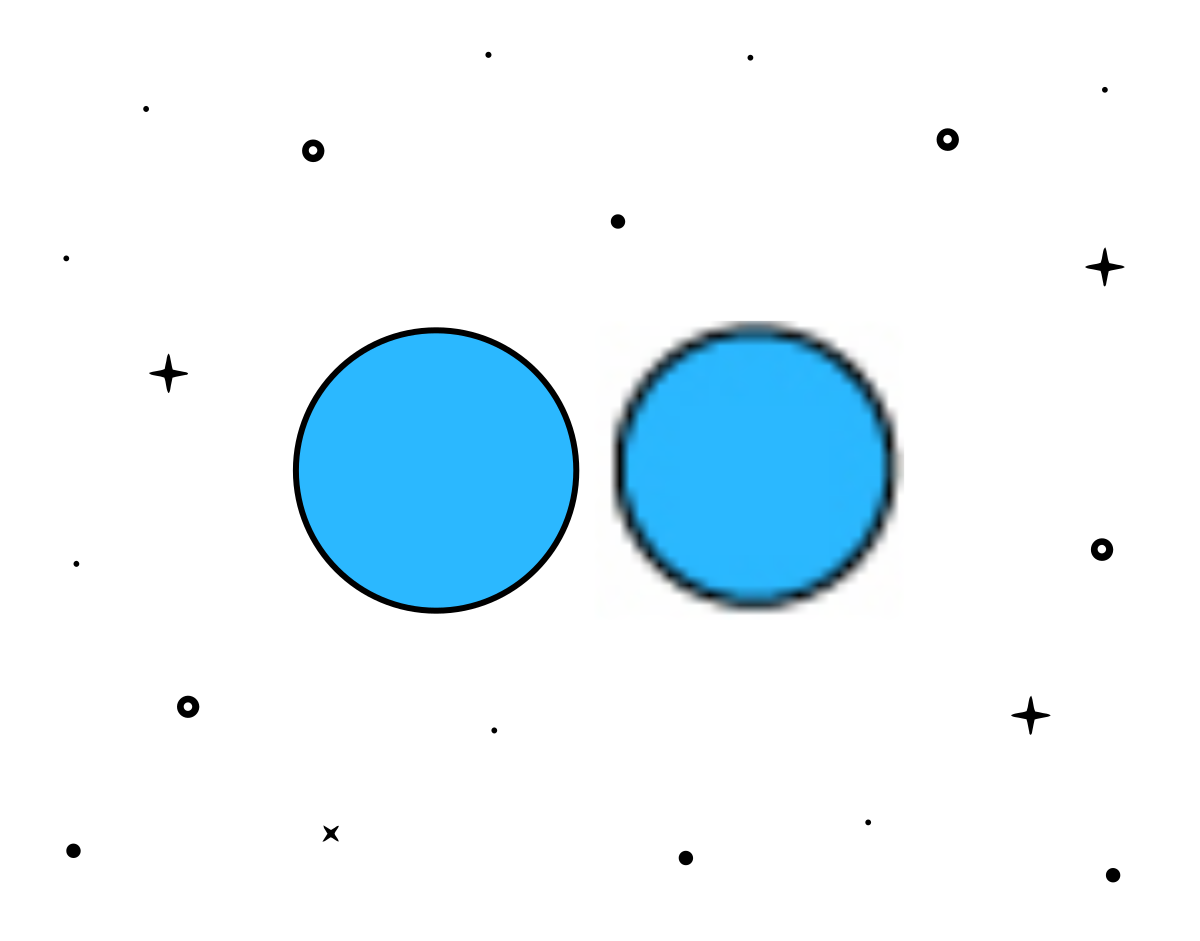
The best image size for email marketing is 600-650 pixels. This size ensures that your emails do not stretch or become blurry when viewed on a computer. If your image is the wrong size, it may not be perceived as high quality and may appear blurry.
Avoid using large images that require users to scroll too much.
3. Choose the Right File Format
There are several file formats you can choose from when optimizing your images:
- PNG for images with transparency and sharp graphics. They are of higher quality than JPGs. They do not compress when uploaded, making them an excellent choice for any image that includes text and also allows for transparency. However, PNGs can have a larger file size, meaning they take longer to load.
- JPG for photos and images with many colors. JPG images usually have a small file size and load quickly. But text is harder to read, they are not transparent, and they compress when uploaded.
- GIF for simple animations or small icons. GIFs also have a small file size and do not compress. However, the colors you can use are limited, and images may appear grainy.
It’s not that you can only choose one of these formats for your files. Use each one according to the context and your needs, you know, variety is the spice of life.
You have a comprehensive article on image formats you need to know on our blog if you want to learn more about PNGs, JPGs, and GIFs.
4. Consider the File Size
If you use images that are too heavy in your emails, they will take longer to load. And this is bad news because most people will only wait a few seconds for the message to appear; if it takes too long, you’ll lose a potential buyer.
Keep your file size as low as possible without compromising quality so that people don’t leave.

5. Do Not Send Emails That Only Contain Images
Emails that only contain images or have all the text within an image have many disadvantages.
- They are more likely to go to spam.
- They are not accessible.
- Some email clients block images by default, so your message must make sense even without them. And if something goes wrong with image display, it’s the same story: your recipient won’t understand anything. So don’t put important information text in images. Include some text outside of images so your subscribers can read it even if they can’t see the images.
Instead of this bad practice (which is very common, by the way), aim for a text-image ratio. Aim for at least 60% text content in your emails to achieve a good balance and avoid the spam folder.
6. Make Your Images Clickable
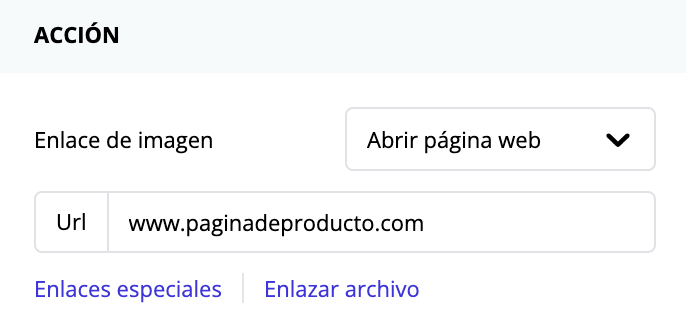
Most people who read your email will click or tap on the images you’ve used. If we take advantage of this and make those images clickable, we’ll increase the click-through rate.
If your newsletter is about your latest launch, make all the images lead to the new product page (not just buttons can be CTAs 😉)
7. Compress Your Images
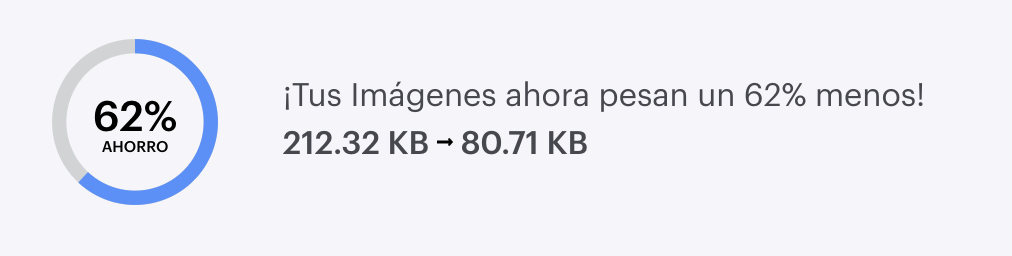
By doing so, you can reduce the file size while maintaining quality. You have many tools like:
It is also highly recommended to use the “Save for Web” function in Adobe Photoshop and Illustrator.
The ideal size would be around 100-200 KB or less to ensure they load quickly.
8. Fill in the Alt Text Field

Include descriptive alt text for each image. This helps visually impaired users and improves accessibility. Alt text is also displayed if the image does not load, providing context and explaining to the recipient what the unloaded image is about.
9. Think Responsive
Optimize images for mobile devices, as a significant portion of email opens are done on smartphones.
Adjust your design to be as responsive as possible to ensure images adapt to different screen sizes. You have this guide on our blog to always have a top-notch responsive design.

10. Test Loading Times
Send test emails to ensure they display and load quickly. If loading is slow, the bounce rate will increase.
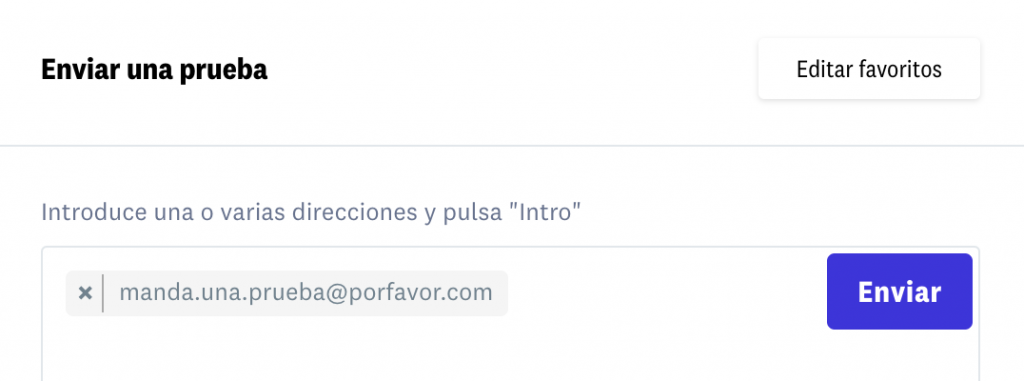
Use our sending test tool to perform these tests, available in step 5 of your campaign.
11. A/B Testing
If you really want to get fancy, you can conduct A/B tests to determine which image formats, sizes, and placements work best with your audience.
12. Review Reports
Track the performance of your campaigns to see how image optimization affects open rates, click-through rates, and conversions.

Conclusion
By following these image optimization tips, you can enhance the visual appeal and effectiveness of your email marketing campaigns while ensuring a positive experience for your subscribers.
We hope you found this helpful and that you start applying it to your email sends right away.