UX/UI Design: Differences Between Wireframes, Mockups, and Prototypes
 Rocío Cortázar · 12 Feb, 2026 · Diseño Gráfico · 6 min
If you are involved with interface and user experience design, the terms “wireframes,” “prototypes,” and “mockups” will sound familiar, as they are essential parts of such projects. Often, these terms are confused or used interchangeably, and although they may present similarities, each serves a specific function.
Today we are going to clarify the key differences between the three elements and their importance at each stage.
What are Wireframes?
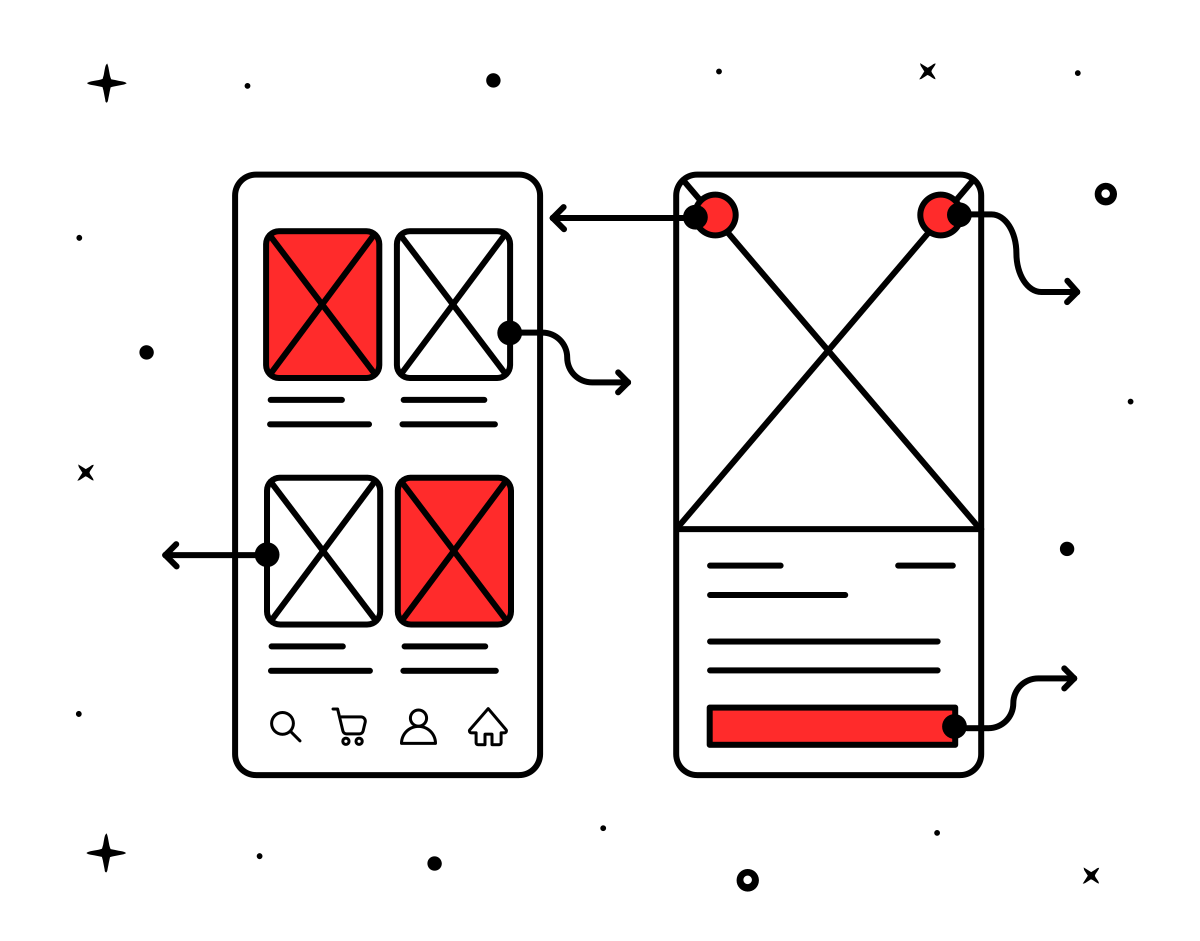
Wireframes are the first basic structure to sketch a user interface. It is a quick and simplified way of the initial design idea. Therefore, it is used during the early stages. It gives us a starting point and a reference on the layout without going into details like colors, images, typography, look and feel… In this phase, UX designers or Product Managers work on the wireframes that will later be delivered to UI designers and developers.
The idea of wireframes is to use their simplicity and schematization to get quick initial feedback on the proposed ideas, so it makes the most sense to use them as the first steps of the project.
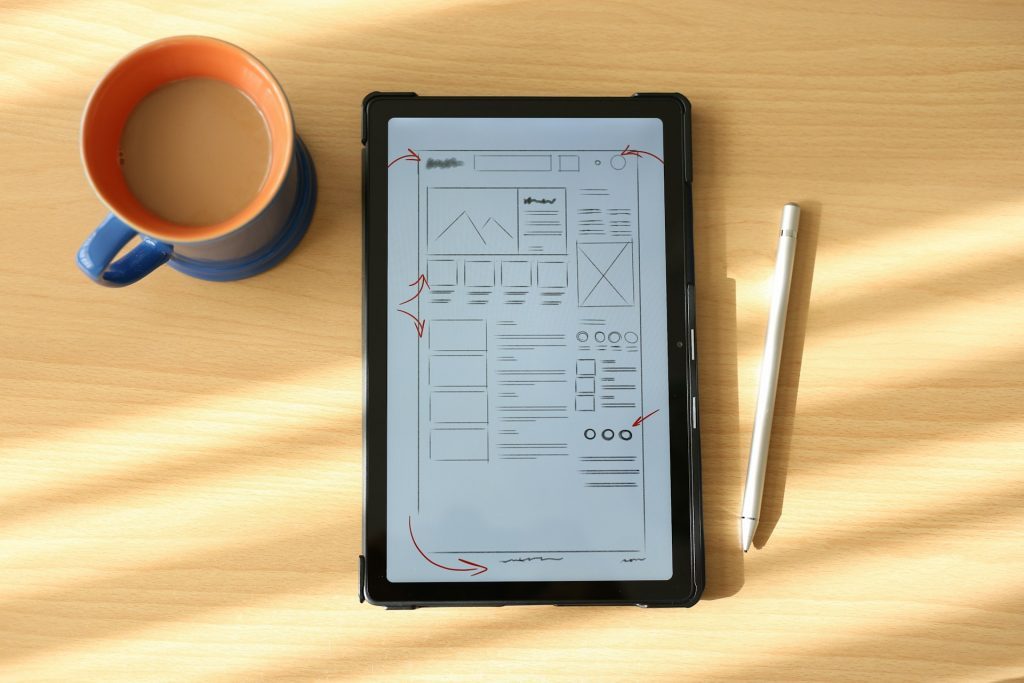
Some of their key characteristics are:
- Design skeleton: Wireframes are the skeleton of the interface, presenting an overview of how elements will be organized on the page.
- Visual simplicity: They are usually composed of boxes, lines, and basic shapes that indicate where different components (buttons, menus, text fields, etc.) will be placed.
- Focus on functionality: Wireframes focus on how information will be structured, how users will interact with the interface, and how it will respond.
- Used in the ideation phase: They are the first sketches created to explore different layouts and user flows.
Among their benefits, we can find:
- Speed and low cost: Being simple and without graphic details, wireframes can be developed quickly, facilitating iteration and early feedback.
- Focus on user experience (UX): By avoiding visual distractions, we can focus on functionality and the user’s journey.
- Facilitates communication: They are an effective tool for communicating ideas and flows to development teams and clients, without visual complications.
Wireframes can be carried out in different ways. You can sketch them on a piece of paper or use software like Figma, Miro, Photoshop, or Illustrator. Use whatever is most comfortable for you, as wireframes usually have many iterations. For this same reason, we do not focus on aesthetics, as the more complicated and “finished” the design is, the more tedious it is to make changes.
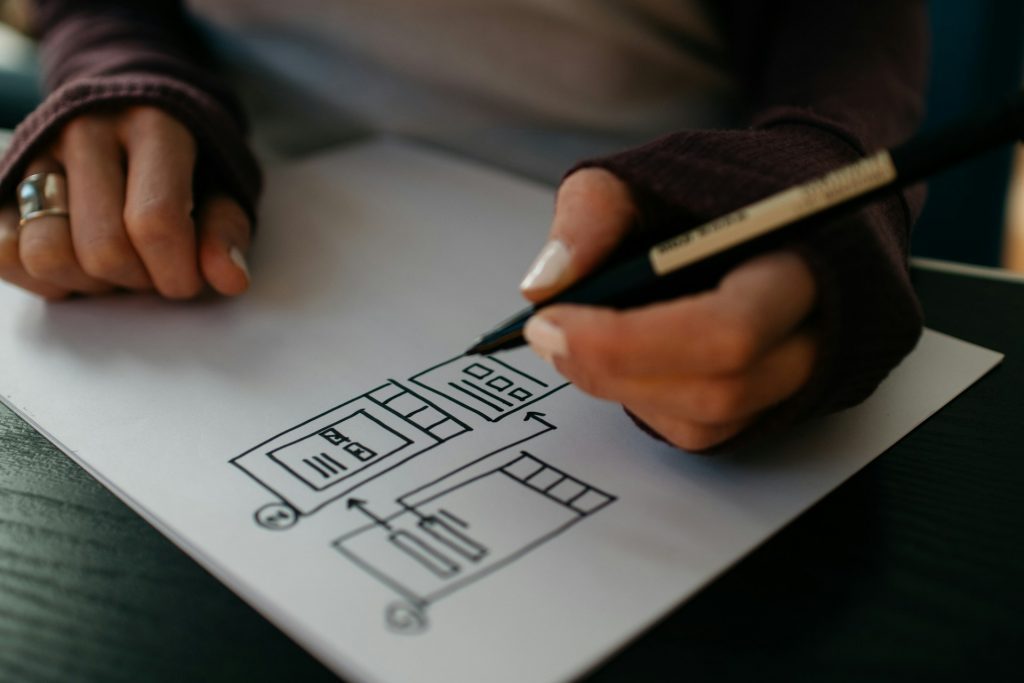
Finally, I would like to point out that we have different “levels” of wireframes divided according to the degree of fidelity. The lower the fidelity, the more schematic it will be, and the higher the fidelity, the more it will resemble the final product, reaching the level of a mockup, which we will discuss next. As we iterate on the wireframes, we will refine them and get closer to the final design.
What are Mockups?
Mockups are static representations that most closely resemble what the final design will be in its real environment. Mockups, unlike wireframes, do include all the visual elements necessary to get a realistic view of the interface.
They are also widely used in other graphic design disciplines, such as branding, where it is very common to find mockups for business cards, merchandising, stationery…
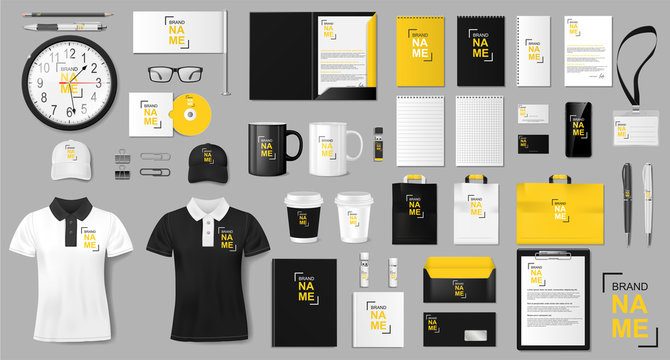
Once the wireframes determine the basic structure of the design, we can start “filling” the interface with all the visual details we have mentioned. At this point, we will adjust all the aesthetic aspects, ensuring that our brand guidelines are met.
Some of their characteristics are:
- Detailed visual design: Mockups present the interface in its final or near-final state, with all visual elements defined, including colors, fonts, and styles.
- No interactivity: Despite being very detailed visually, mockups are not interactive.
- High fidelity: They are an exact representation of how the product will look when finished, making them ideal for showing stakeholders before programming.
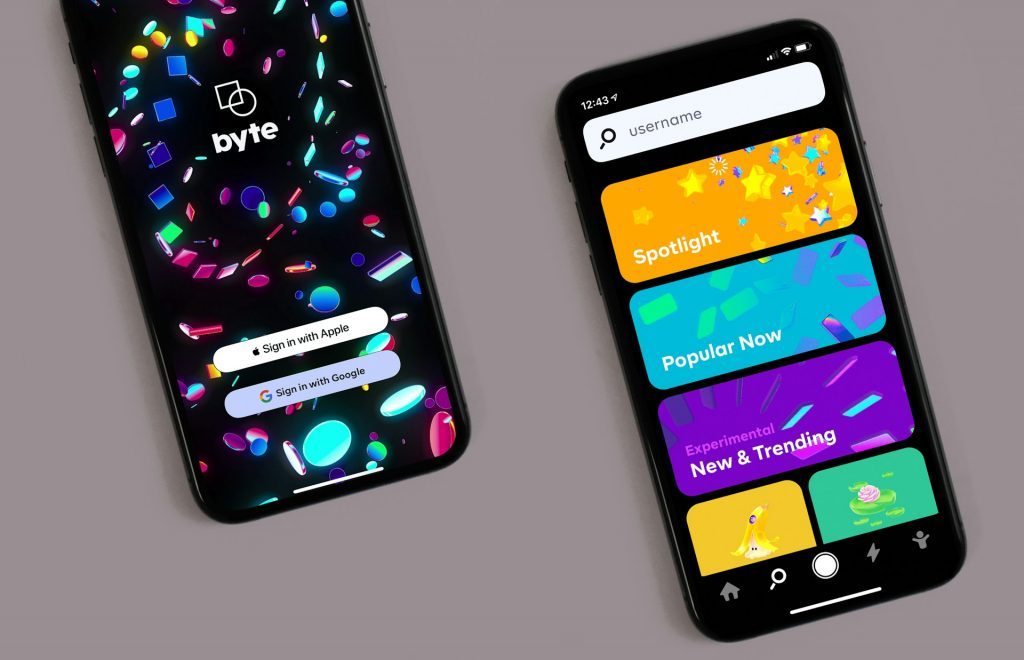
Among their benefits, we have:
- Visual clarity: Mockups allow the design to be seen exactly as the product will look before development begins. This helps to detect design issues that may not have been evident in the wireframes.
- Feedback: The visual details allow for more specific feedback on elements such as color usage, readability, or visual hierarchy, which can be crucial for making adjustments before the prototype or development phase.
- Design approval: Since mockups faithfully represent the final appearance of the product, they are an effective tool for obtaining final design approval from clients or stakeholders.
What are Prototypes?
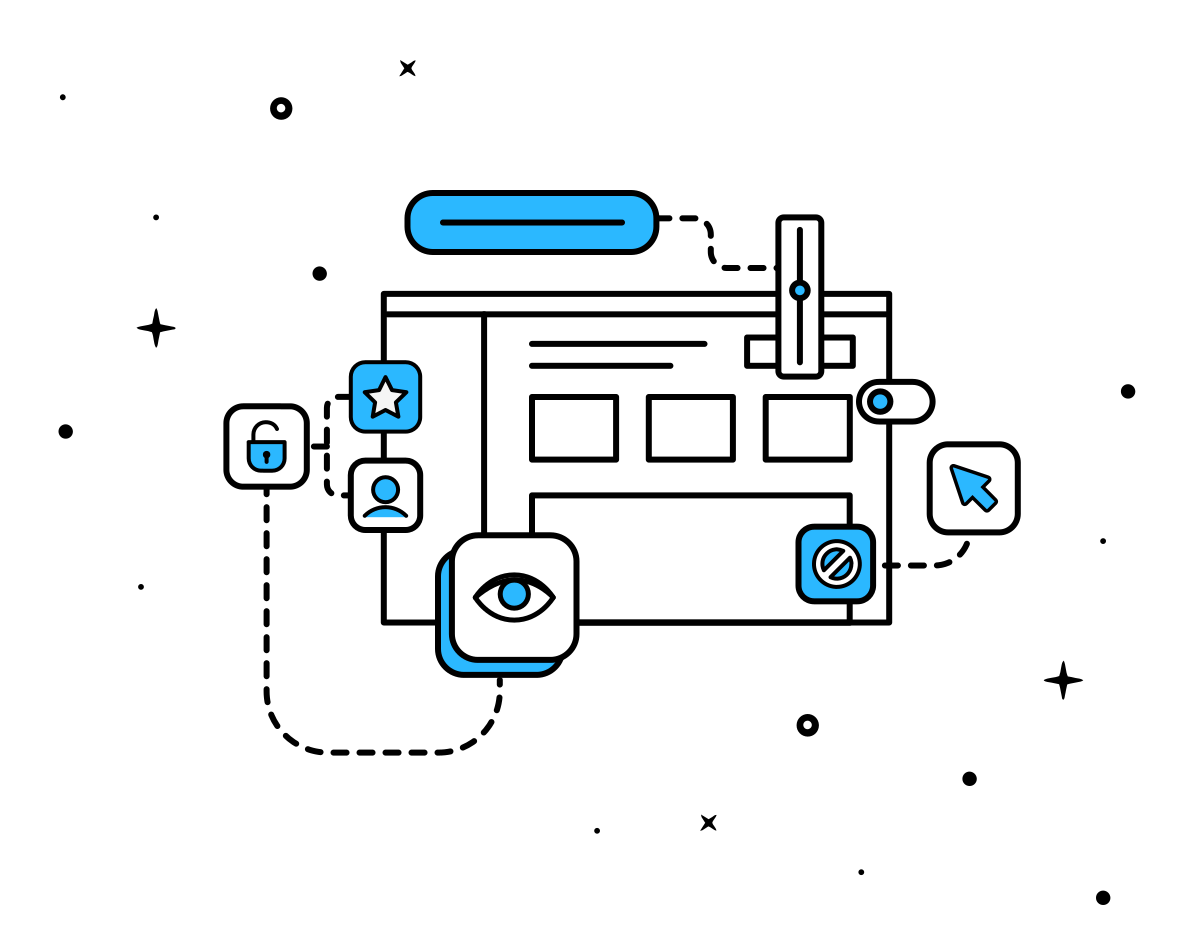
We have already hinted at what the main quality of prototypes is and what differentiates them from wireframes and mockups: interactivity. Wireframes and mockups are static representations and do not include interactive elements typical of some digital products. Prototypes are interactive representations that allow users to interact with the interface in a limited and controlled way to test functionality and workflow and thus identify errors and areas for improvement.
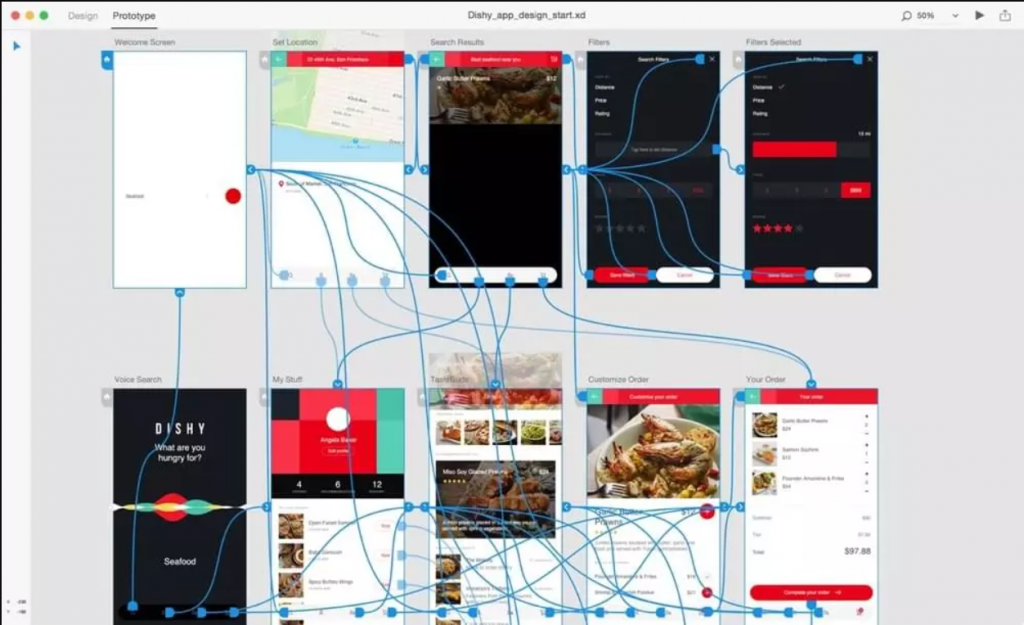
It is the most advanced step before starting the development stage. It is the perfect tool to check how users will react to the interface or if you are looking to conduct usability tests.
Some of their characteristics are:
- Interactivity: Prototypes offer a level of functionality that allows users to click buttons, navigate between screens, and simulate the real use of the product.
- Experience close to the final product: Although they do not include all the functions of the final version, prototypes provide a user experience very close to how the product will function.
- Can vary in fidelity: Like wireframes, prototypes can be of low, medium, or high fidelity, depending on how close they are to the final product. They can range from a simple navigation flow to a fully functional interactive model.
- Usability testing: Prototypes are ideal for conducting usability tests with users, as they allow observing how they interact with the interface before the product is fully developed.
Among their benefits, we can find:
- Early validation: They allow testing the user flow and interaction, helping to identify usability issues or potential confusions before investing time and resources in development.
- Valuable feedback: By providing an almost real experience, prototypes are useful for gathering feedback from real users, which is essential for improving functionality and experience.
- Cost savings in development: By testing with prototypes before starting coding, errors can be corrected or adjustments made without the need to rewrite code, significantly reducing costs.
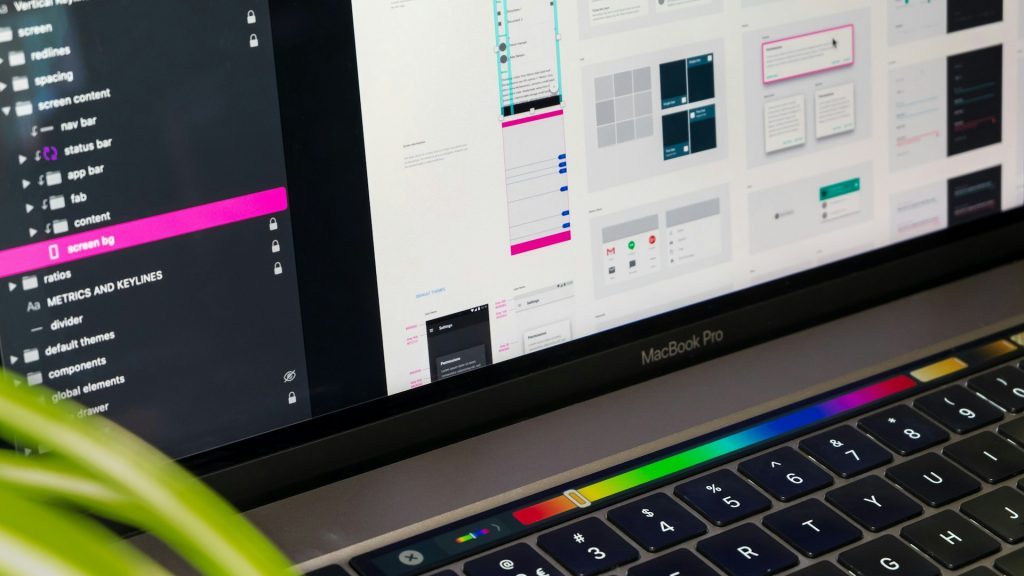
There are programs like Figma, where you can create prototypes from a mockup without having to touch code.
Popular Tools
Wireframes:
- Balsamiq: Popular for its simplicity and focus on low-fidelity wireframes.
- Sketch: Versatile tool that allows creating basic wireframes and then evolving them into mockups or prototypes.
- Figma: With real-time collaboration.
Mockups:
- Adobe XD: Excelente para crear mockups de alta fidelidad.
- Figma: Además de ser útil para wireframes, Figma permite diseñar mockups con gran precisión visual.
- InVision: Permite crear mockups detallados y recibir comentarios en tiempo real.
Prototypes:
- Figma: All-in-one tool that allows creating interactive prototypes along with wireframes and mockups.
- InVision: Known for its powerful prototyping and user testing tools.
- Axure: Ideal for high-fidelity prototypes with complex functionality and usability testing.
Conclusion
As you can see, although each of them has similar elements, there are differences that make them more or less suitable depending on which phase of project development we are in. Understanding when and how to use them appropriately can make the difference between a well-designed product and one that does not meet user or client expectations.